

Adding liquidity to Uniswap
- 01
Adding liquidity
Go to the website Uniswap
Click 'Pool':
Click 'More', then select 'V2 Liquidity':
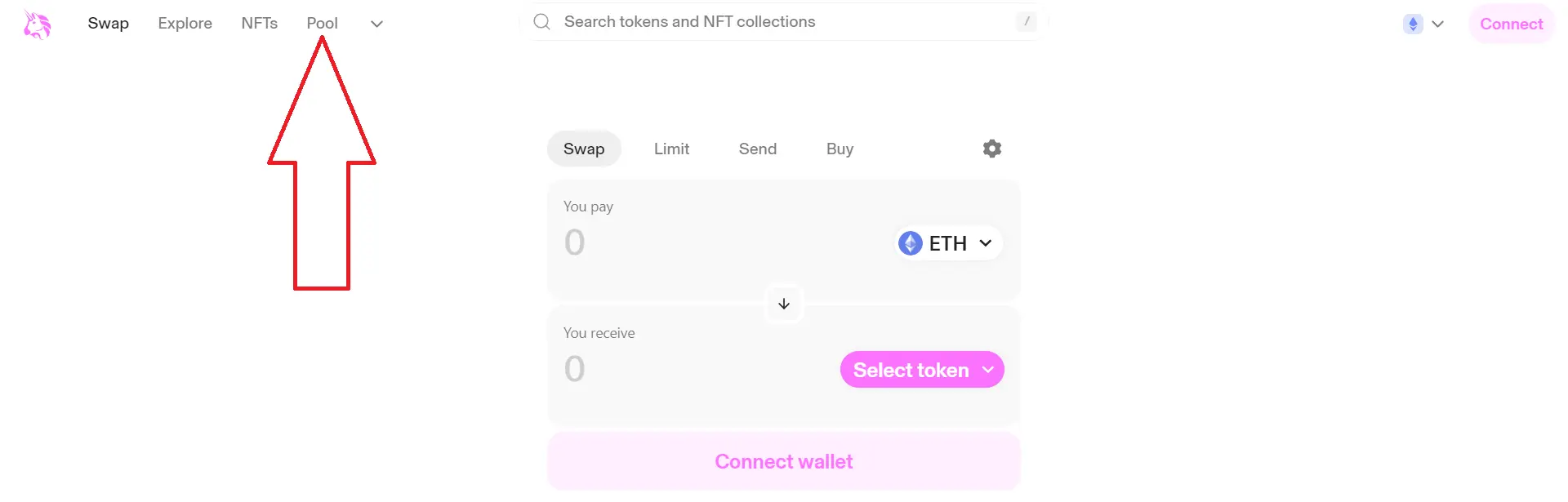
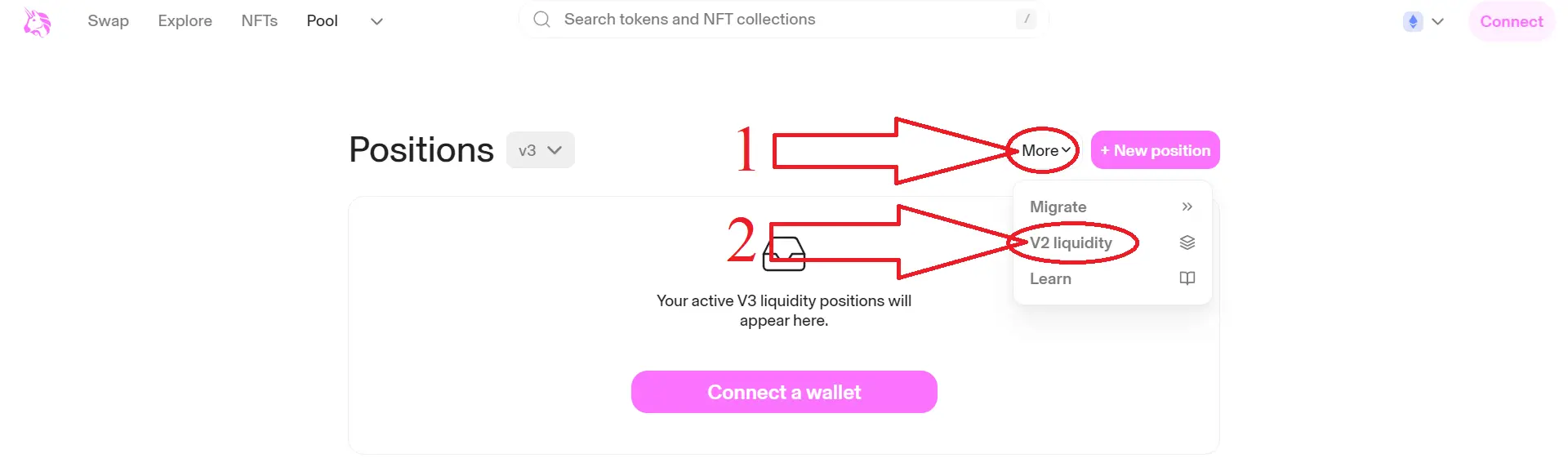
- 02
Adding liquidity
Connect Metamask to the site:
Click 'Create a pair':
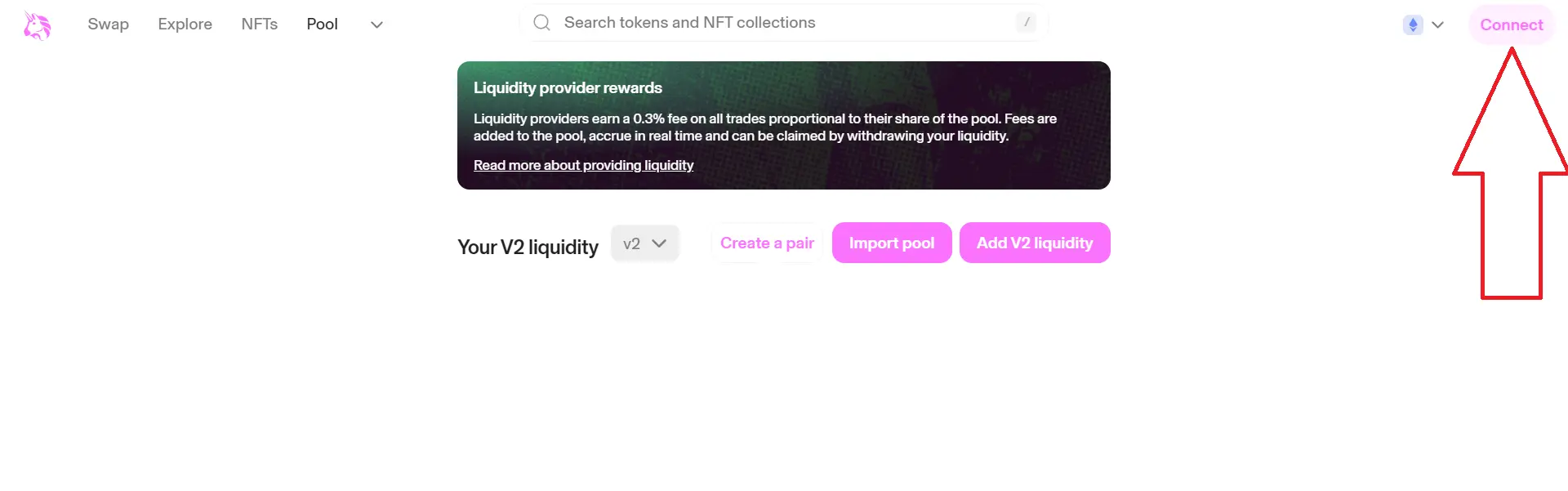
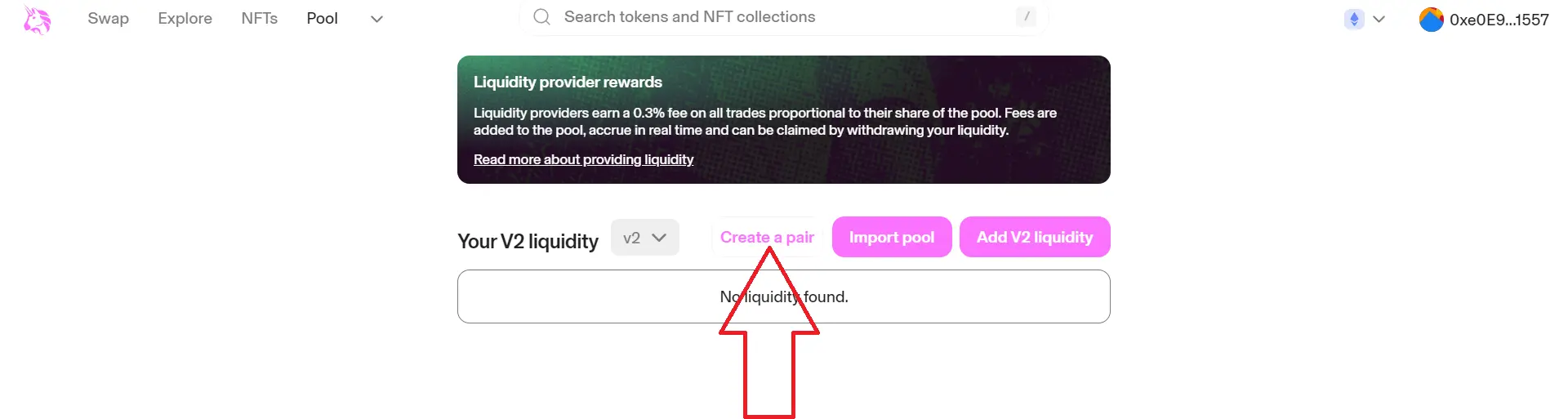
- 03
Adding liquidity
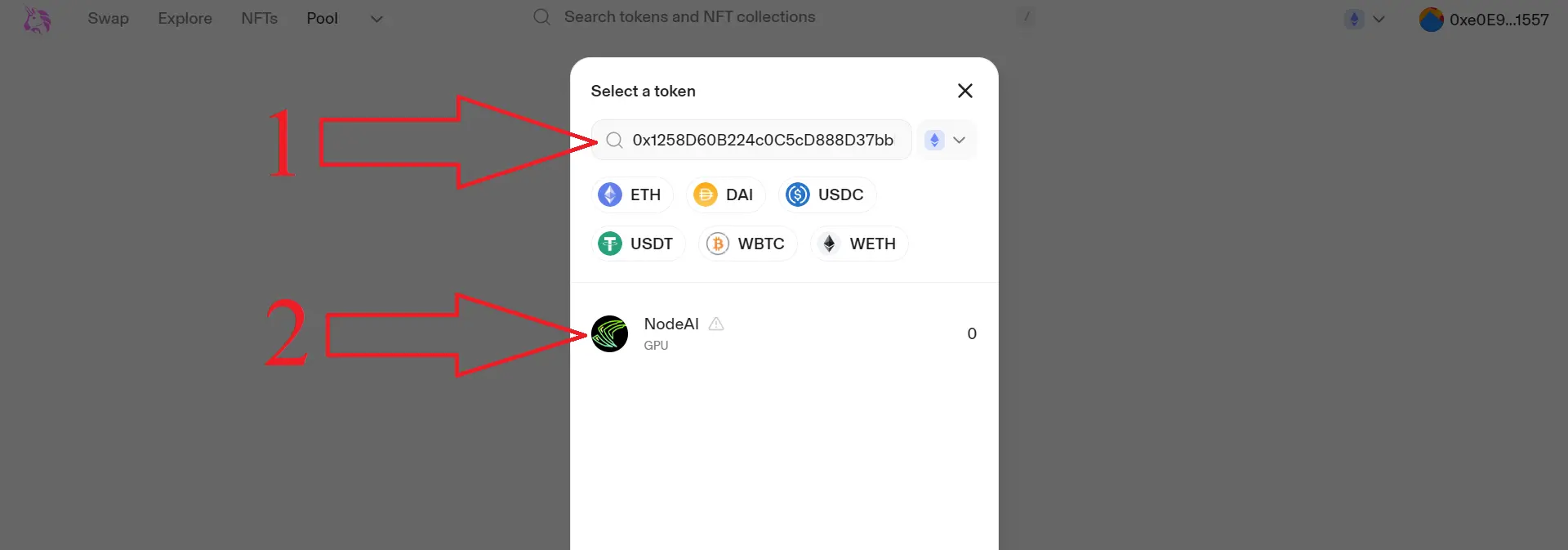
Click 'Select a token':
Copy and paste the address of your token (contract) into the field, wait until your token is found:


- 04
Adding liquidity
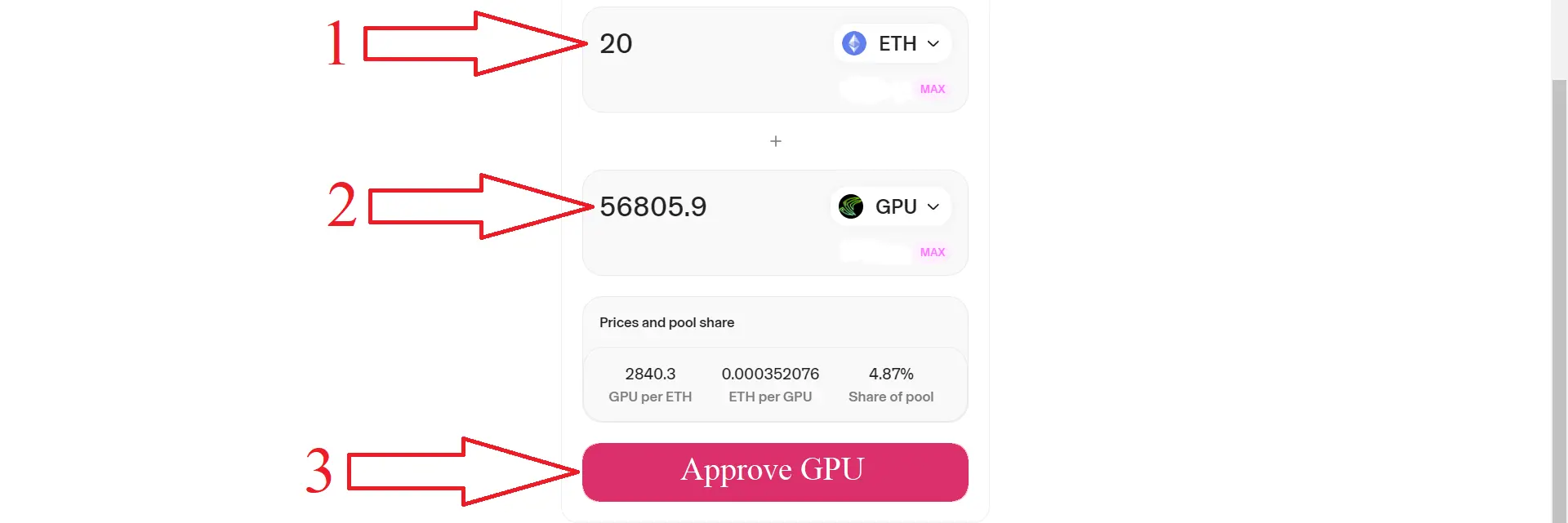
Enter the amount of ETH you want to add to liquidity, as well as the number of tokens to be staked.
The more ETH you add in the form of liquidity, the more attractive the token will look to investors. We recommend from 3 ETH for small projects. It is also recommended to add 70% to 100% of tokens to the liquidity pool. This way you will inspire confidence in a potential investor. Your advantage is that the liquidity is yours and you only spend funds on network fees.
- 05
Adding liquidity
For example, if you want to add 100 tokens with 10 ETH, then the initial price will be 0.1 ETH per token. (10/100=0.1 ETH)
Next, click 'Approve' and 'Supply', then confirm the transaction in the Metamask pop-up window
- 06
Adding liquidity
Congratulations, your tokens are listed on Uniswap!
On CoinMarketCap you can see the chart of your token and trading history.
Just paste it into the search bar of the site your token address and get information.


